
How News Tabs Work
Each tab you create is linked to a Forum Category. The homepage will automatically display the 2 most recent topics from that category. Players see the full content preview and can click Read more to open the full topic in the forum. The tab icons are automatically assigned based on the tab title:- Titles containing “event” → Calendar icon
- Titles containing “shop”, “store”, or “item” → Shopping cart icon
- Titles containing “log”, “update”, “patch”, or “change” → Clipboard icon
- Titles containing “preview” or “media” → Image icon
- All others → Newspaper icon
Creating a News Tab
Configure the Tab
| Field | Required | Description |
|---|---|---|
| Tab Title | Yes | The label shown on the tab (e.g., “News”, “Patch Notes”, “Events”) |
| Forum Category | Yes | The forum category whose latest topics will be displayed |
| Order | No | Controls the left-to-right display order (lower = first). The first tab is selected by default |
Editing & Deleting Tabs
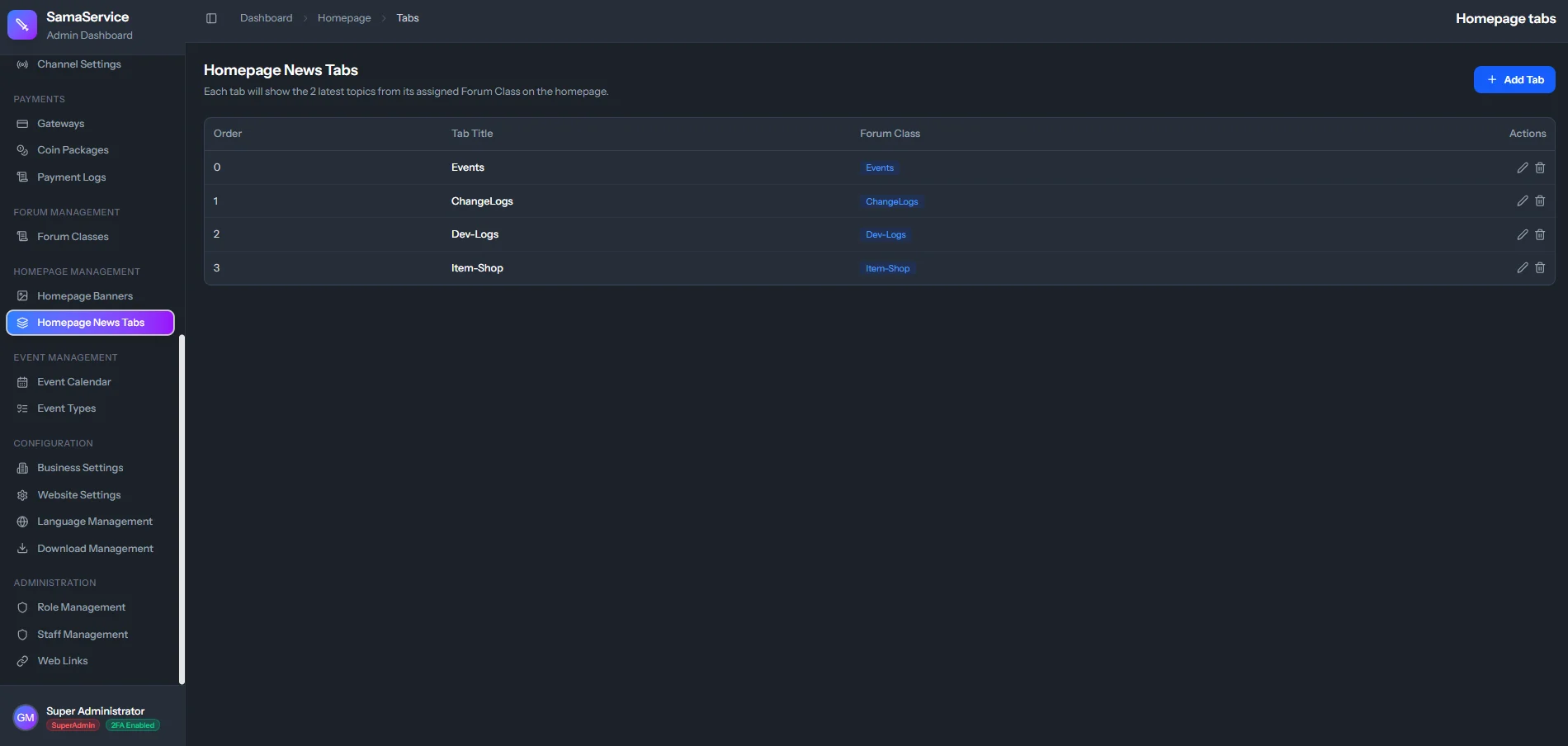
All existing tabs are shown in a table with their Order, Tab Title, and linked Forum Category:- Click the Edit icon to modify any tab’s title, linked category, or order.
- Click the Delete icon to remove a tab. A confirmation prompt will appear.
Example Setup
A typical Metin2 server might configure the following tabs:| Order | Tab Title | Forum Category |
|---|---|---|
| 0 | News | General Announcements |
| 1 | Events | Server Events |
| 2 | Patch Notes | Updates & Changelogs |
The “View Forum” button on the News panel links players directly to the full forum for browsing all categories and topics.