
Select the Target Player
Search the live database securely via the account login or direct player name to ensure the item goes to the exact right person.
Select the Base Item
Use the Search bar to directly find a base item via its translated name from your uploaded database patterns.
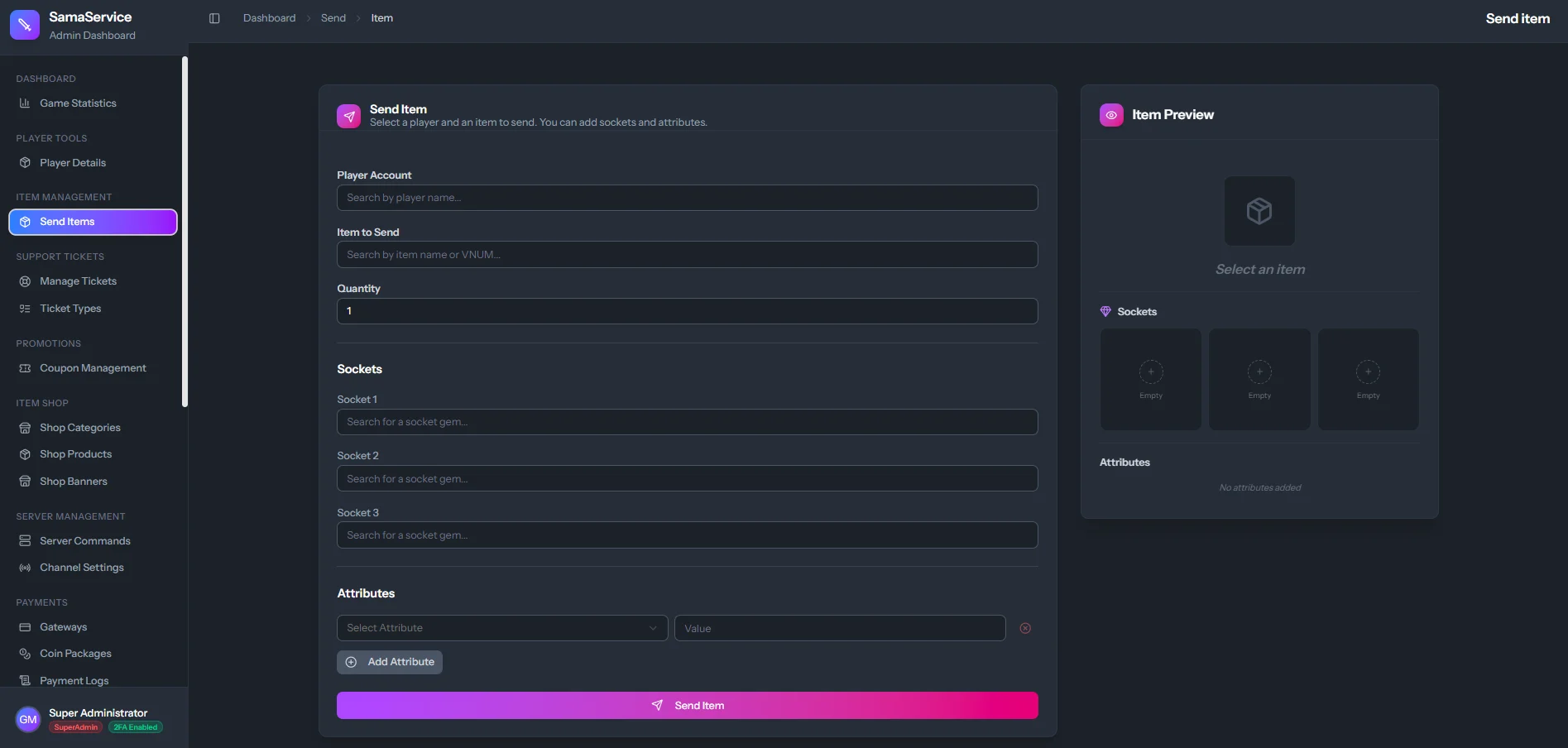
Item Customization Engine
The true power of this feature is that you can completely forge the item logically before sending it down to the server:Raw Quantity
Determine exactly how many of the item should they receive in a single stack.
Custom Attributes
Give the item up to 7 custom bonuses, like
+2000 HP or +10% Half-Human Damage.Sockets (Stones)
Attach custom Spirit Stones directly to the weapon or armor sockets.
Audit Reason
Always type a note (e.g., “Winner of PvP Tournament”) so there is a permanent organizational log of why the item was forged and sent.
When you click Send, the item data is immediately placed into the
item_award table and the player can instantly retrieve it in-game from the Item Mall NPC/UI without needing to logout!