
Business Configurations
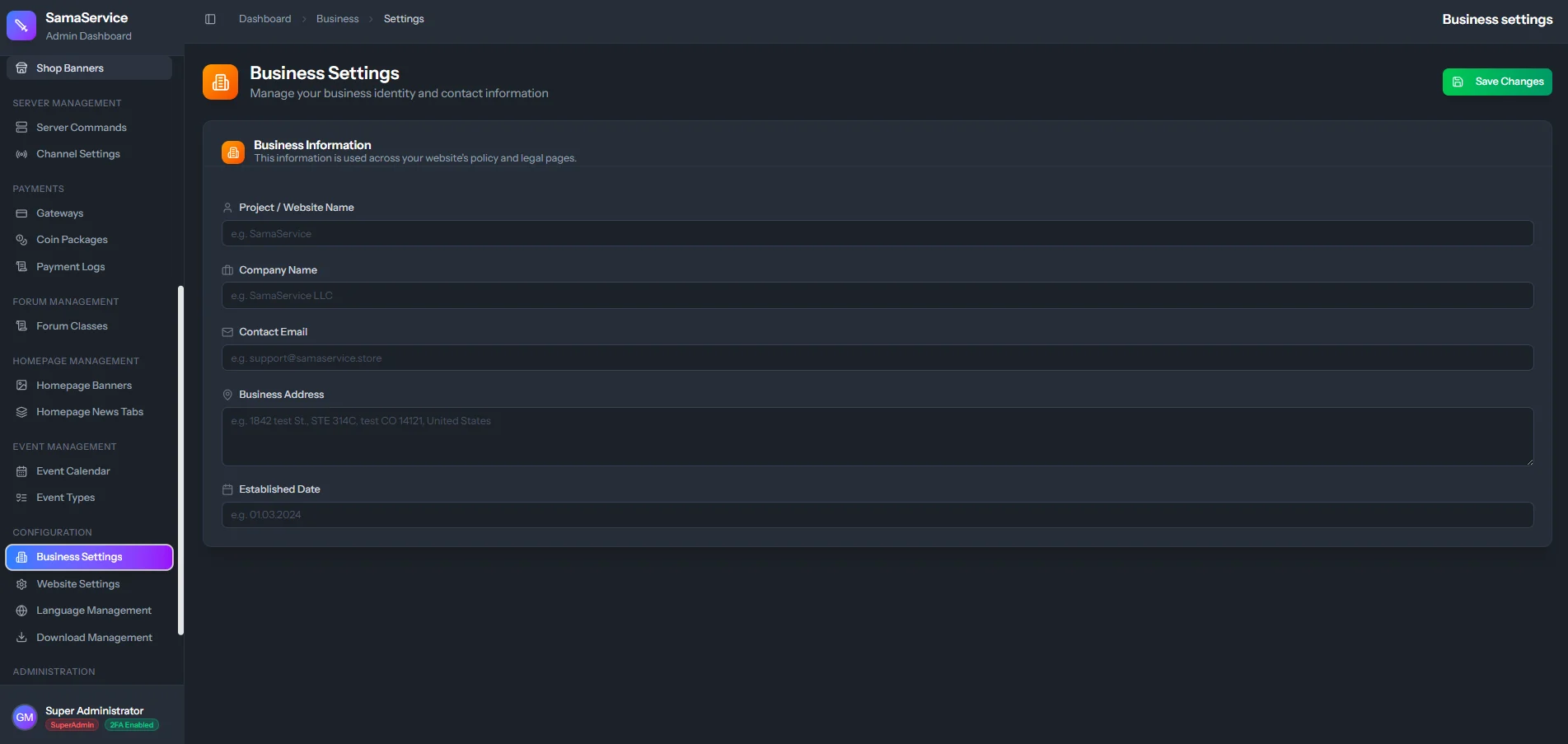
The Business Settings panel is where you define the global visual and textual identity of your server.Contact & Company Information
Contact & Company Information
- Company Name / Server Name: The official name of your project.
- Support Email: Where players should reach out for help.
- Company Address: If you run a registered LLC or corporation, this address is used for legal and compliance purposes on your frontend pages.
Social Media Connectors
Social Media Connectors
resources/js/components/homepage/pages):
- About Us: The history, lore, and vision behind your server.
- Contact Us: Providing clarity on response times and alternative methods to get help.
- Terms of Service (ToS): The binding legal rules players must formally agree to before creating an account or making any purchase.
- Privacy Policy: Disclosing legally how you handle email addresses, IP addresses, and payment data.
- Shipping / Return Policy: Crucial for digital goods, explicitly explaining that virtual currency is non-refundable upon delivery.