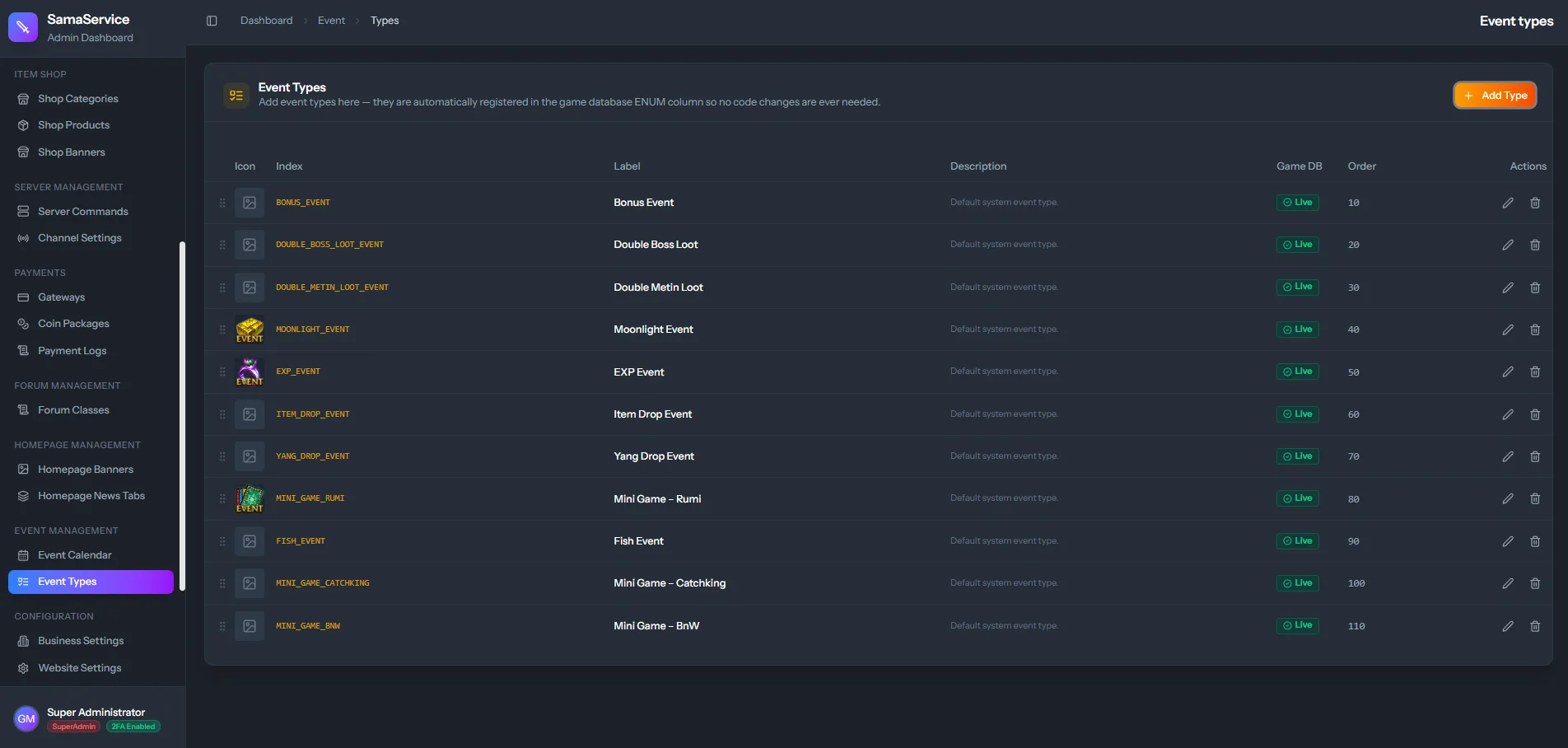
What is an Event Definition?
An event definition corresponds directly to the events available in your game server’s database (typically theevent table or a specific ENUM column). By defining them in the CMS, you create a permanent visual bridge that allows you to easily schedule them later without touching the database code.
Creating an Event Type
Set the Exact Identifier
Set the Event Index to exactly match the event identifier used by your server source code (e.g.,
EVENT_MOONLIGHT_DROP).
This value is automatically converted to uppercase by the CMS to ensure database compatibility.
Adding Custom Icons
Once the definition is formally created, the system allows you to upload an Icon for it. This icon will display on the website calendar next to the scheduled time, helping players immediately recognize visually what event is coming up.