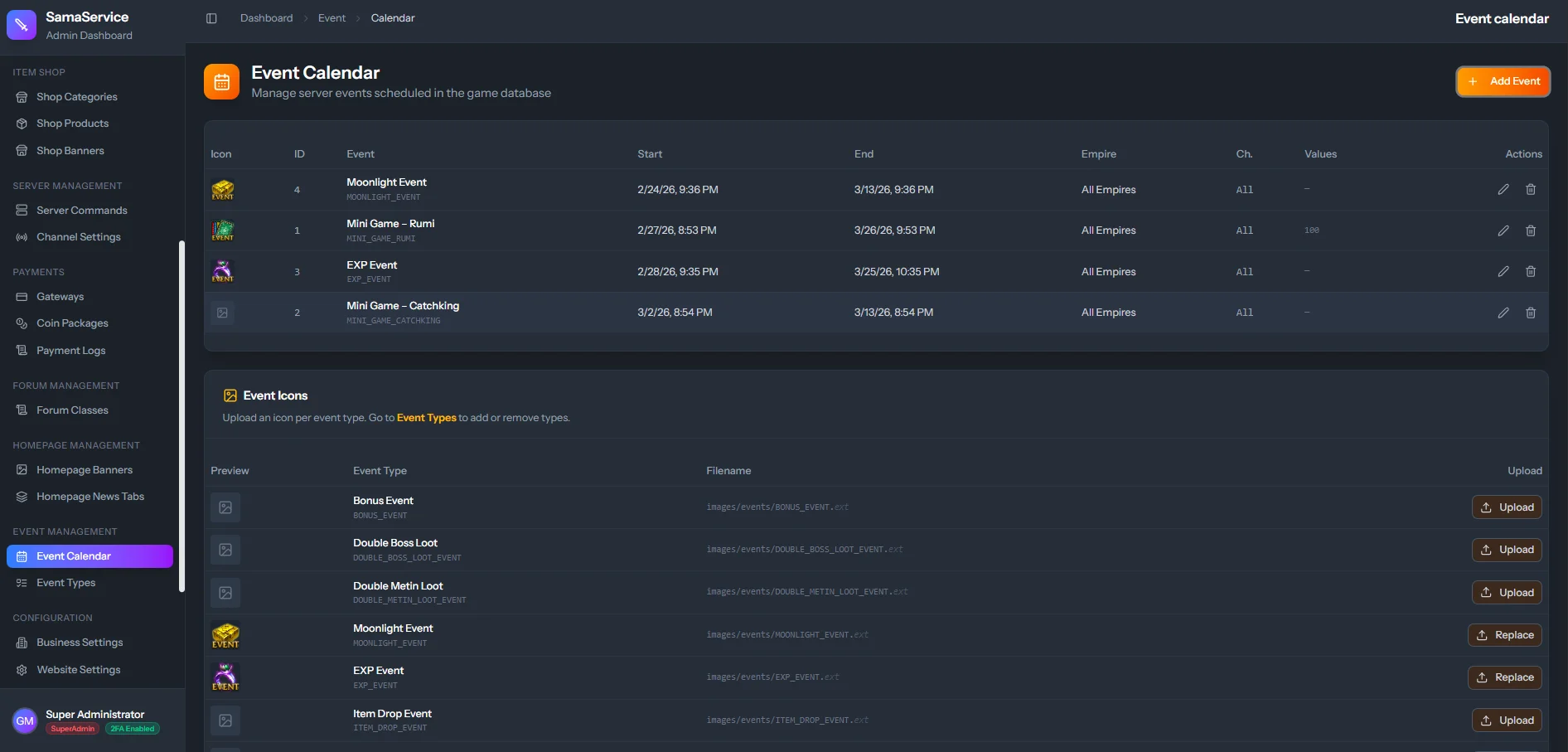
Scheduling an Event
Once you have defined your event types in Event Types, you can quickly build a visual schedule for your players.Select an Event Definition
Choose the Event Type (What type of event is it?) from the dropdown. This references the Event Definitions you created previously.
Configure Timing
Select the exact Start Time and End Time. The CMS will handle timezone formatting for your players automatically.
Configure Technical Parameters
Configure the technical flags required by your game server source:
- Empire Flag
- Channel Flag
- Custom integer values (
value0tovalue3) used by your quest files.
Publish
Click Save Changes. The event will immediately appear on the Homepage and the dedicated events widget on the frontend website.