
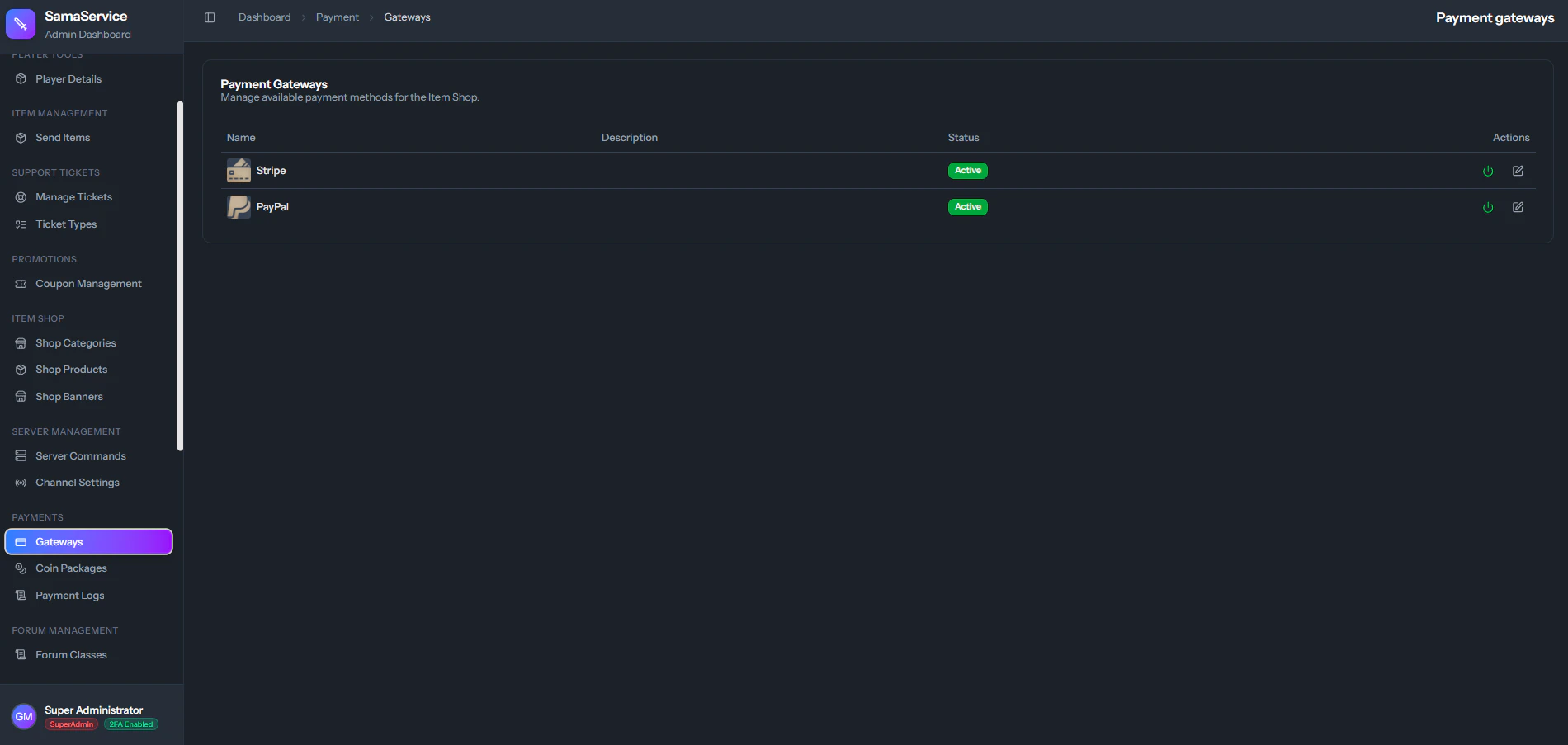
To formally monetize your server, players need a seamless way to purchase Dragon Coins (your premium server currency). Elite-CMS natively supports two of the largest, most secure payment gateways in the world: Stripe and PayPal.

1. Stripe Setup

Stripe allows players to pay instantly using their Credit or Debit cards beautifully without ever leaving your website.
1

Create Stripe Account

Create a business account at Stripe.com and fully verify your identity.
2

Configure API Keys

Set your live Stripe Public Key, Stripe Secret Key, and Stripe Webhook Secret in your server’s configuration file. These credentials authenticate the CMS with Stripe’s API.
3

Understand Webhooks

The Webhook Secret is critical — it tells the CMS to persistently listen for Stripe’s server-side confirmation that the payment legally finished, so the CMS can automatically give the player their Dragon Coins without you having to be awake.

2. PayPal Setup

PayPal is massively popular globally. The CMS uses the latest, most secure PayPal API system.
1

Create App

Go to the PayPal Developer Portal and create a new REST API Application.
2

Configure Credentials

Set your Client ID and Secret ID in your server’s configuration file.
3

Define Currency

Choose the baseline currency (e.g., EUR, USD) that PayPal should inherently process.
Payment Gateway Configuration

Designing Coin Packages

Once the global gateways are formally connected, switch to defining your coin packages from the admin dashboard! A highly optimized package looks something like this:

Ultimate Starter Pack

  • Cost: €10.00
  • Reward: 10,000 Dragon Coins
  • Bonus: +1,000 Coins (Encourages larger bulk purchases!)
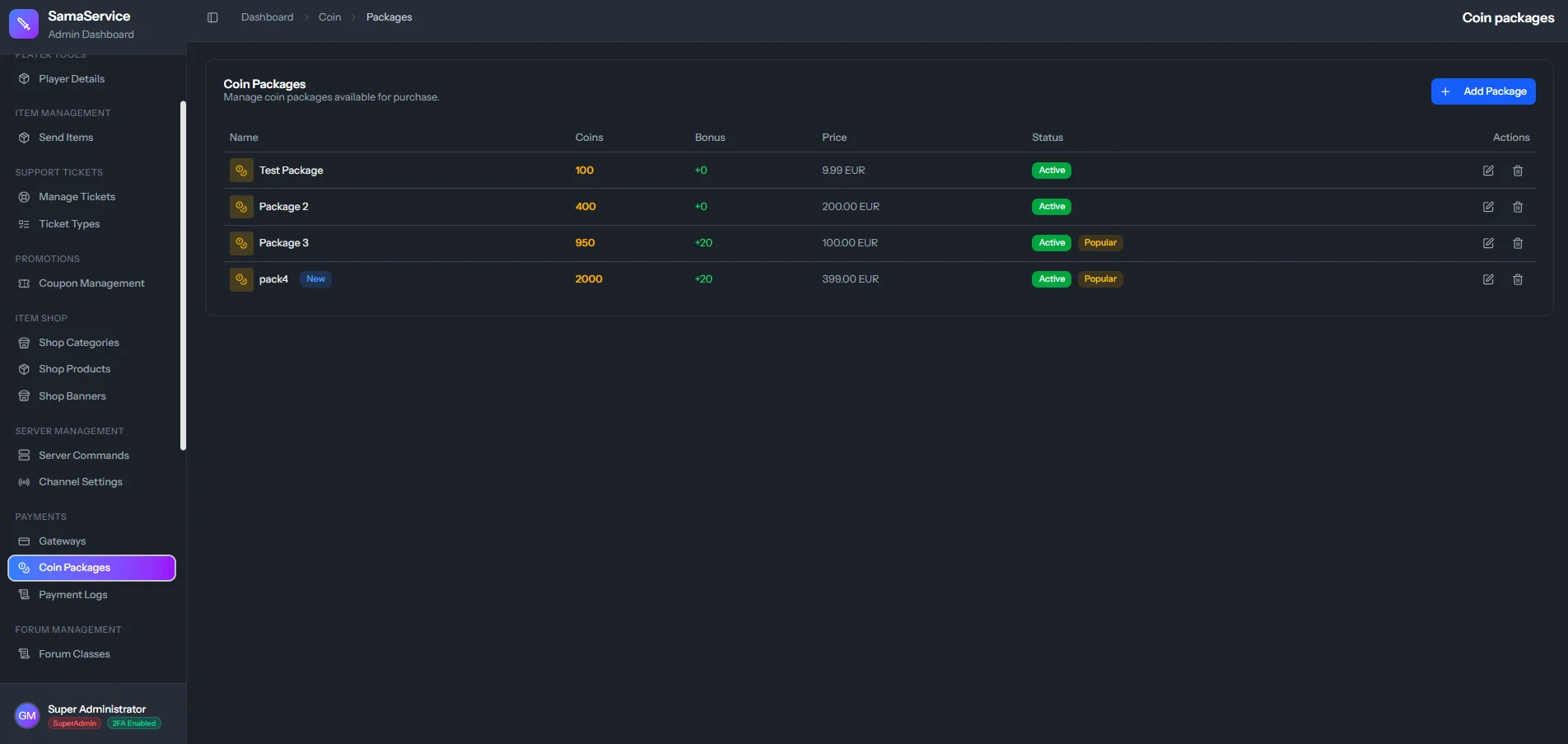
When a player clicks “Buy”, the CMS handles the entire transaction, verifies the payment asynchronously, and awards the coins instantly and securely to the account balance. Coin Package Management