
Hiring a Staff Member
Navigate to Staff Management
Click on Staff Management inside the admin sidebar (visible only to SuperAdmins).
Provide Credentials
Supply their Name and Email Address, and generate a strong, random password for them.
Assign a Role
Select a predefined Role (e.g., Moderator, Admin, SuperAdmin) from the dropdown. This controls what they can see.
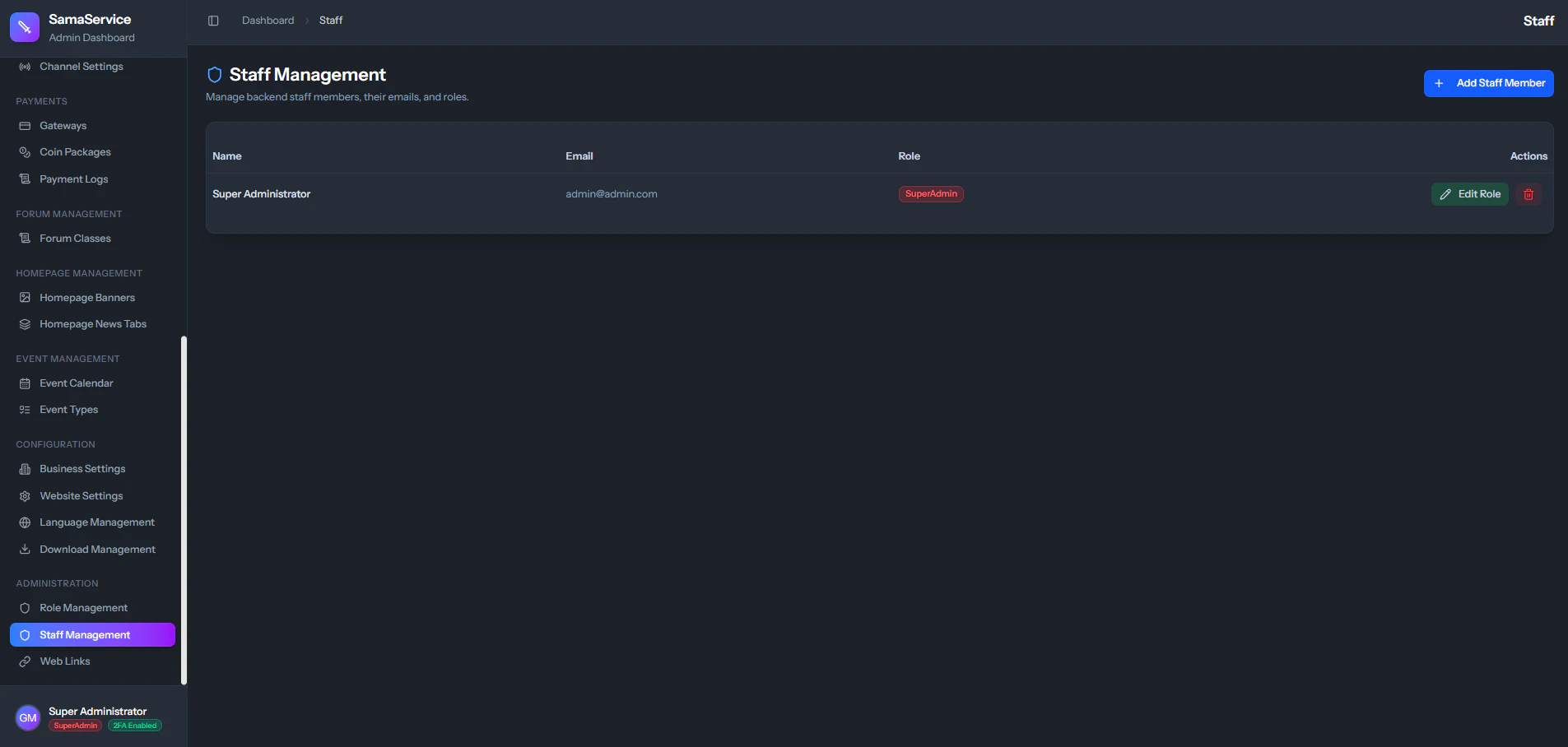
Promoting or Removing Staff
- Promotions: If a staff member is doing great work, you can edit their account and upgrade their Role instantly.
- Terminations: If a staff member is fired or leaves the team, click the Delete icon next to their name. Their access is permanently revoked from the database and any active dashboard sessions they have are terminated, fully protecting your server.