
Dashboard Configuration
By defining your Channels and Cores in the CMS, you allow the CMS backend to intelligently query the status of those exact processes in real-time.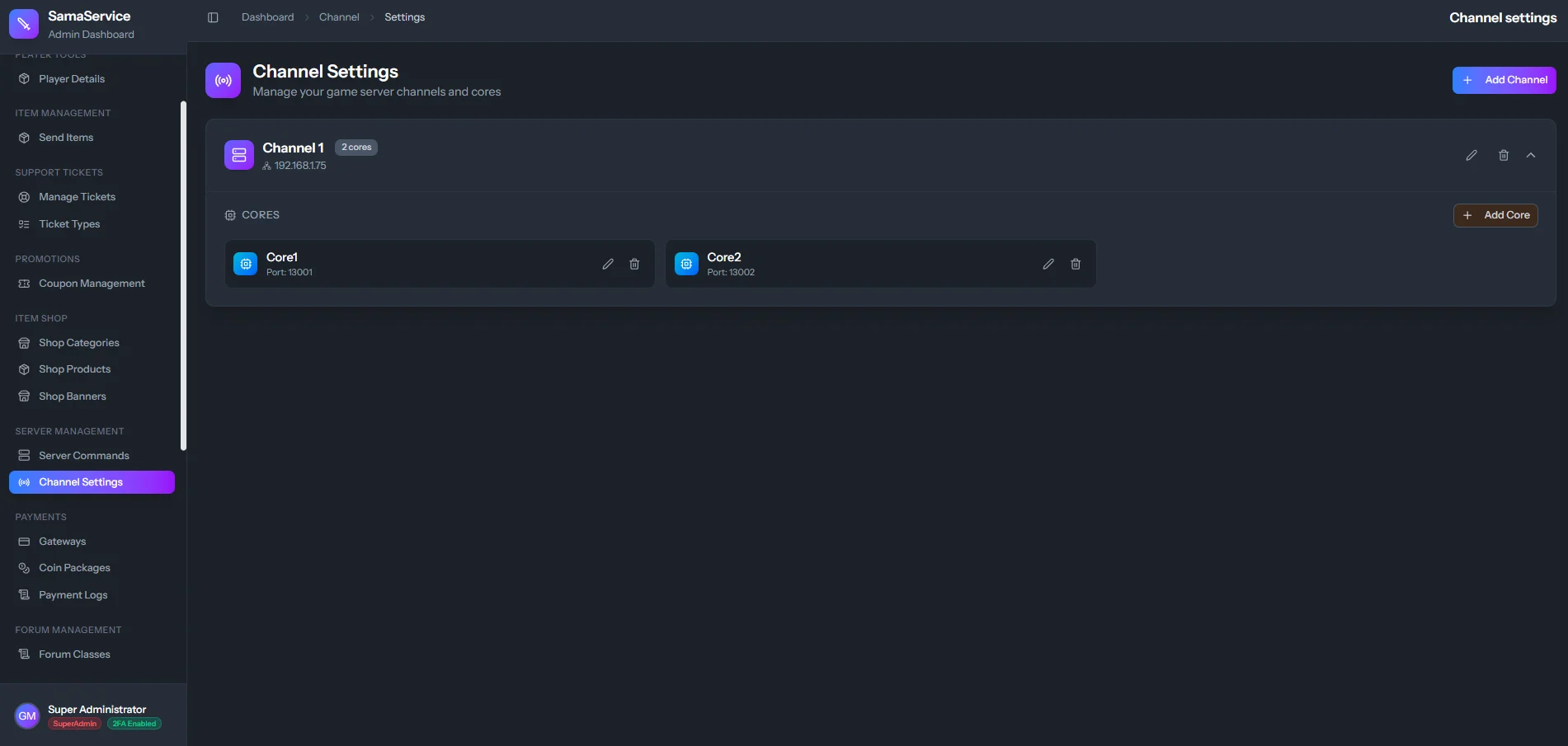
Add Cores to the Channel
Define the specific IP Address and Port that the game server core is bound to and listening on.
Understanding
is_active on Cores: The “Core is active” checkbox acts as a physical toggle switch. It tells the CMS whether it should actively attempt to communicate with that specific core process or ignore it.